
At Facebook, privacy and security are held in great esteem, still, the number of hacked Facebook account daily is on the high side.

It can be extremely frustrating especially if you use Facebook for business. That can put a hold on your online business and customer acquisition using Facebook Advertising.
Some Facebook account hackers even, go further to create ads on your ad account and exhaust your the fund on your account and delete your Facebook account afterwards.
The grace period to recover your hacked Facebook account is 30 days. If it is more than this duration, you can only move further by creating a new Facebook account.
Perhaps your Facebook account was hacked less than 30 days ago, you can still recover your Facebook account. Let’s examine how to recover a hacked Facebook account immediately.
How to Recover a Hacked and Deleted Account
The best part of Facebook account deletion is that Facebook doesn’t delete it instantly. The account is still active but unpublished for visibility to your Facebook friends and followers for a 30 days period. Here’s how to recover your hacked Facebook account really fast.
1. Launch your browser on your computer and visit https://facebook.com. But if you’re on a mobile device, open the Facebook app.
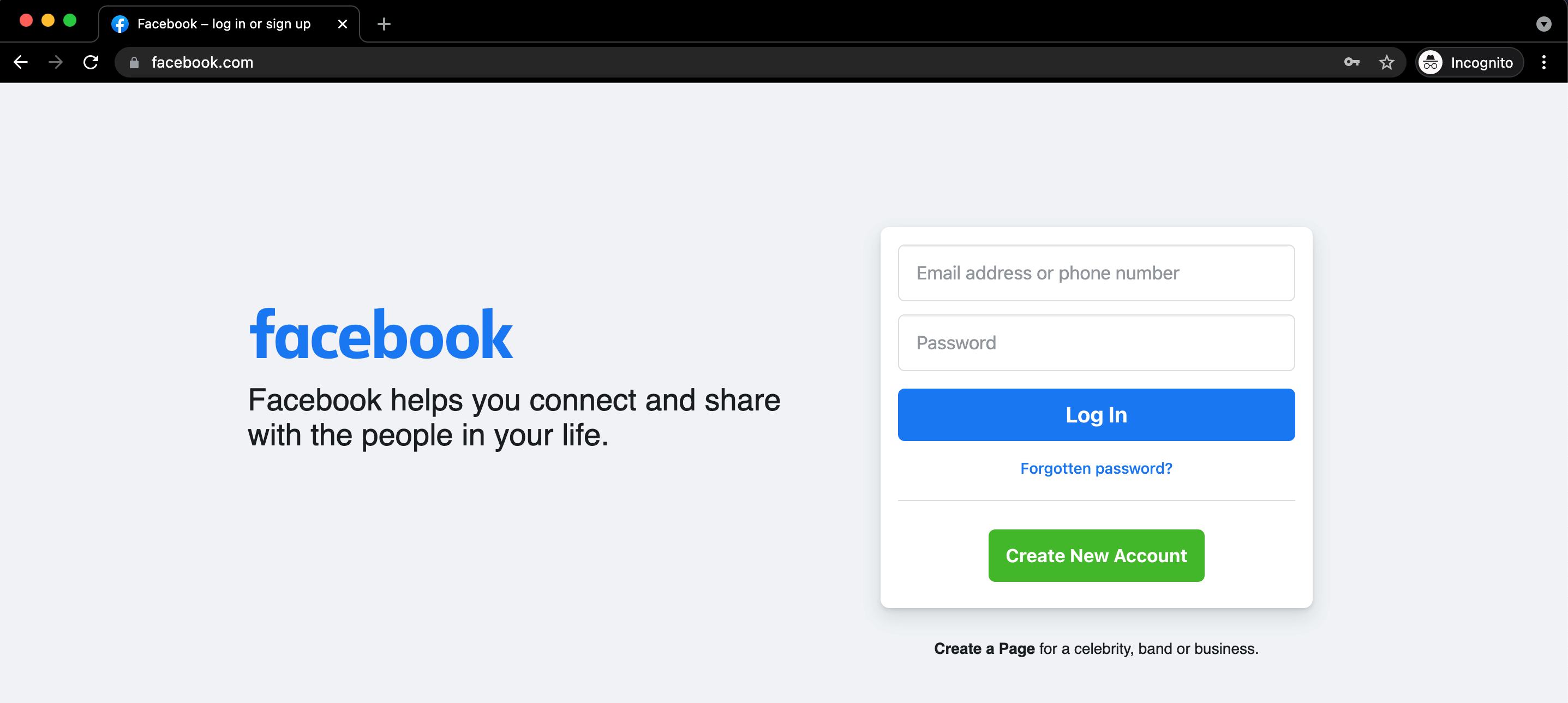
2. Next, insert your email and password. Perhaps you created your Facebook account with a phone number, enter your phone number instead.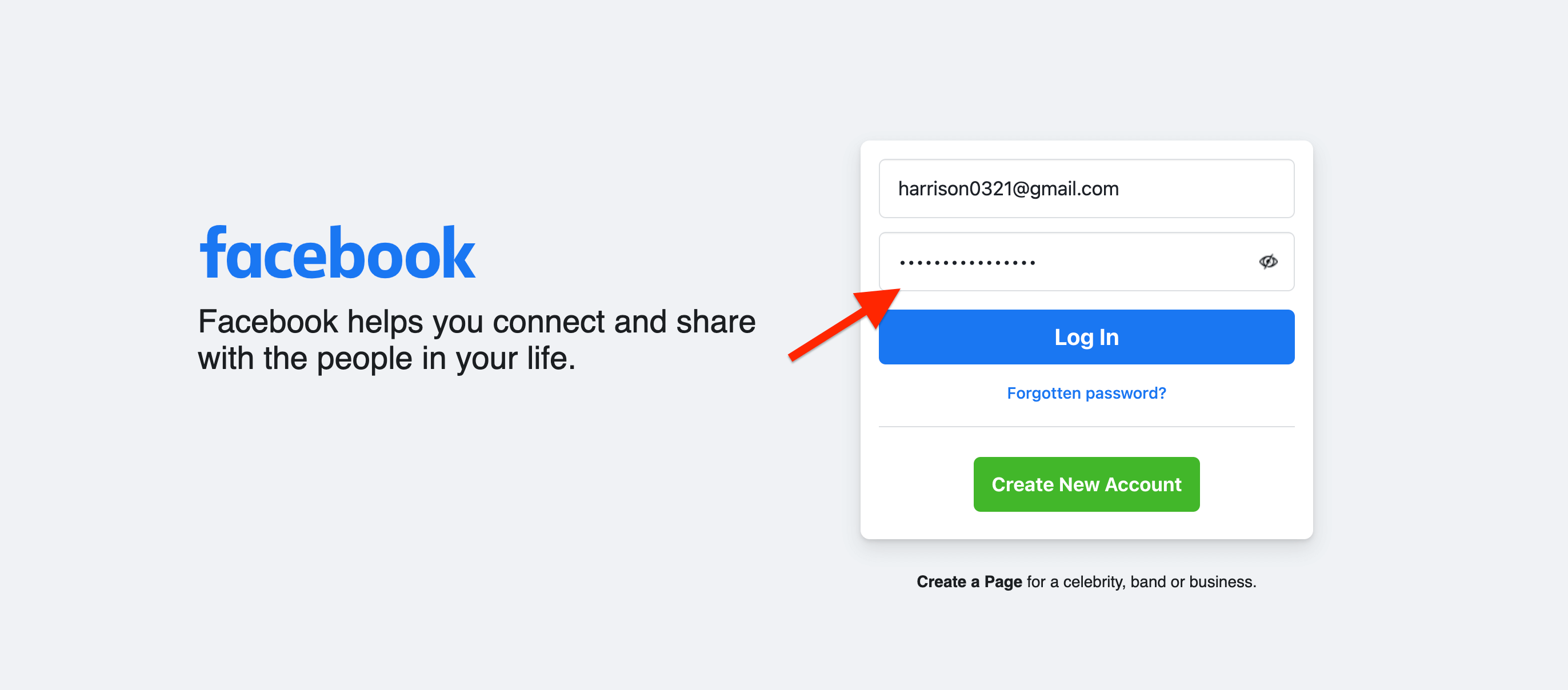
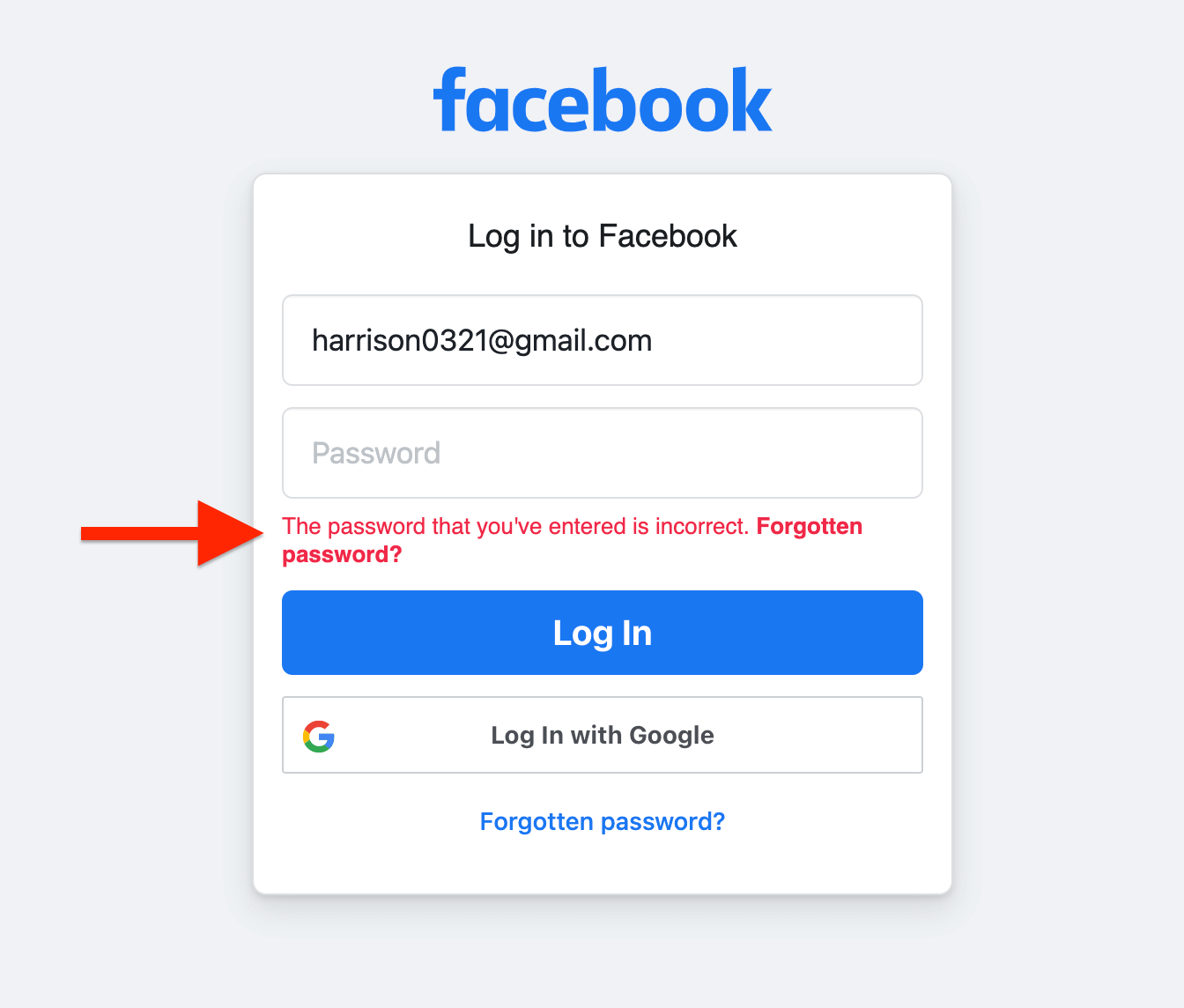
3. Facebook will display a screen with an error message that the password entered is incorrect.
4. Tap or Click the Forgot Password button.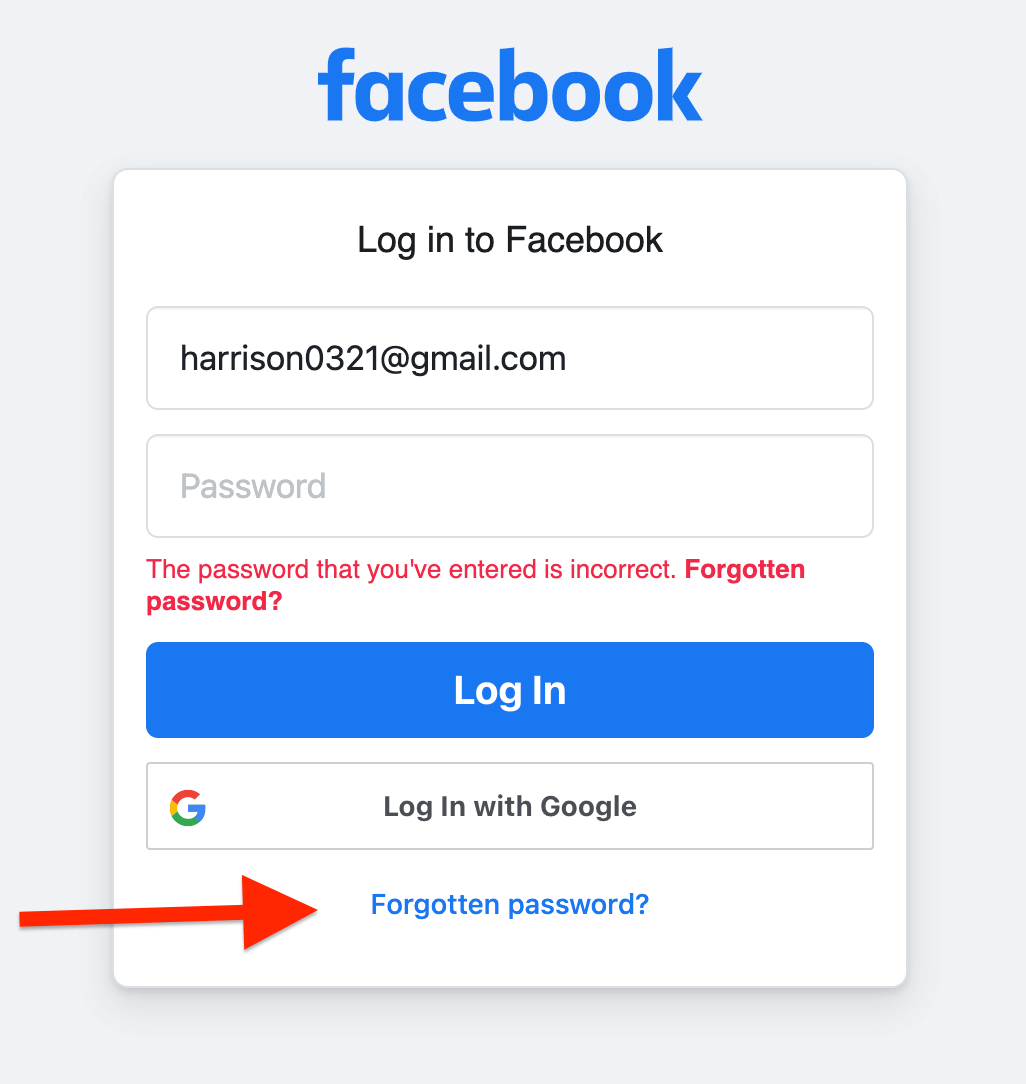
5. On the Reset Your Password Page, select the email account for your Facebook. Choose to Send code via email then click Continue.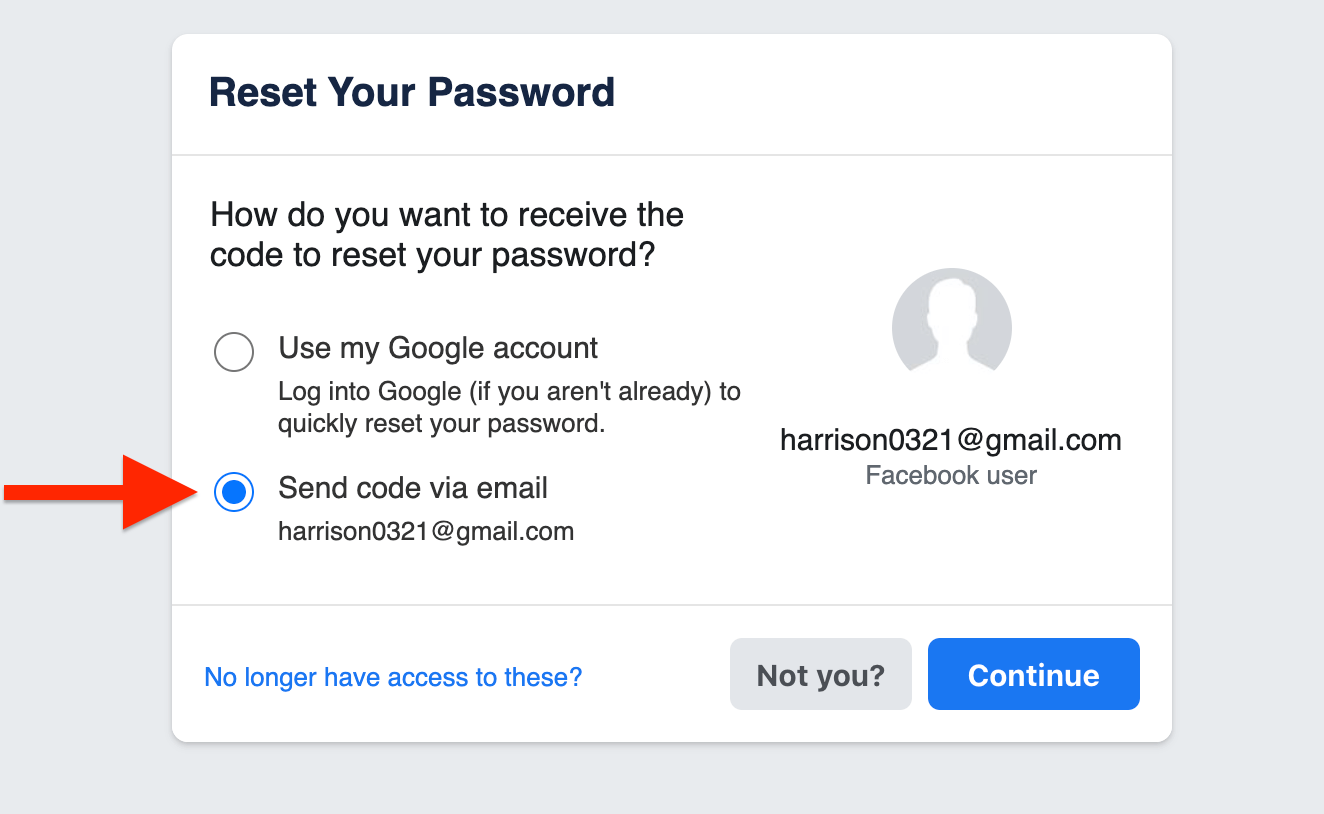
6. An email with a six-digit security code will be sent to you. Type in the code into the “Enter security code” section and hit continue.
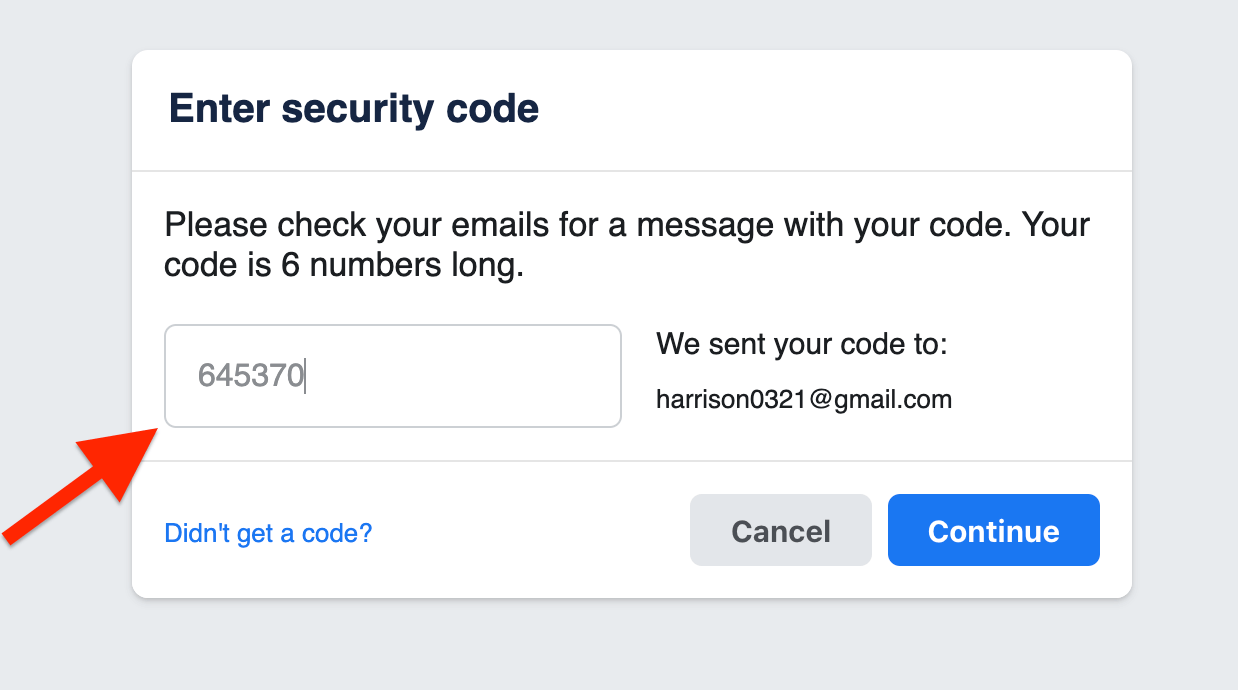
7. You will be redirected to a page where you be prompted to Choose a New Password. Enter the new password and ensure that it is strong. Use a mix of special characters, uppercase and lowercase letters, as well as numbers.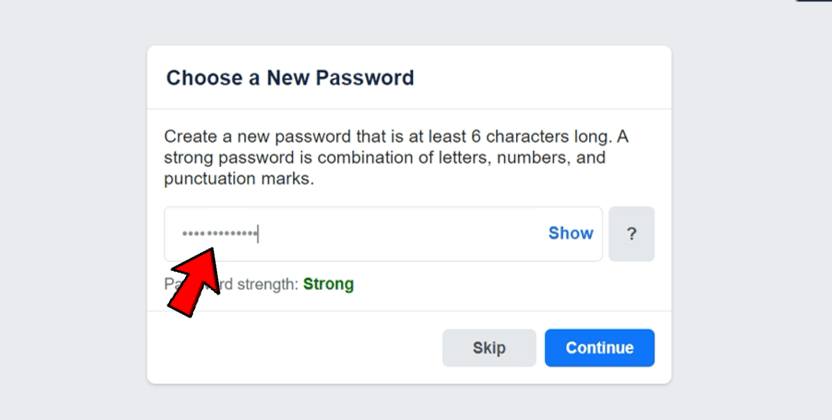
8. Click or Tap the Continue button.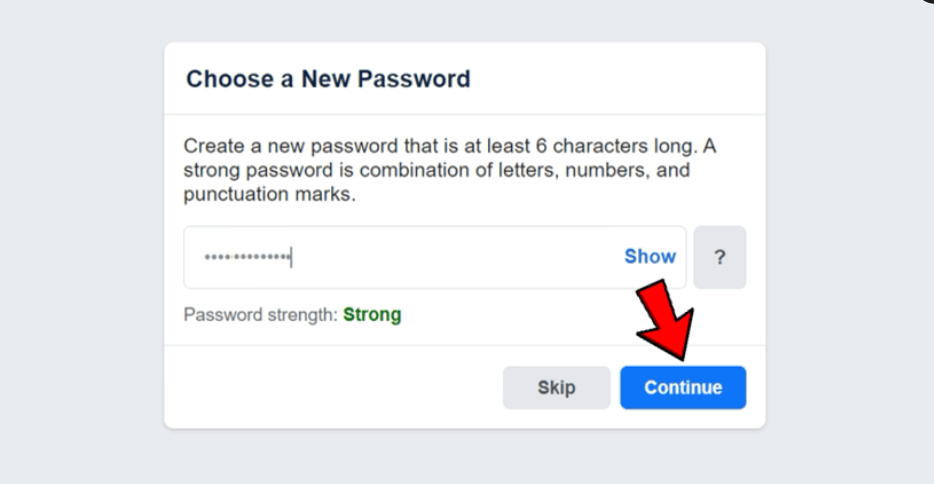
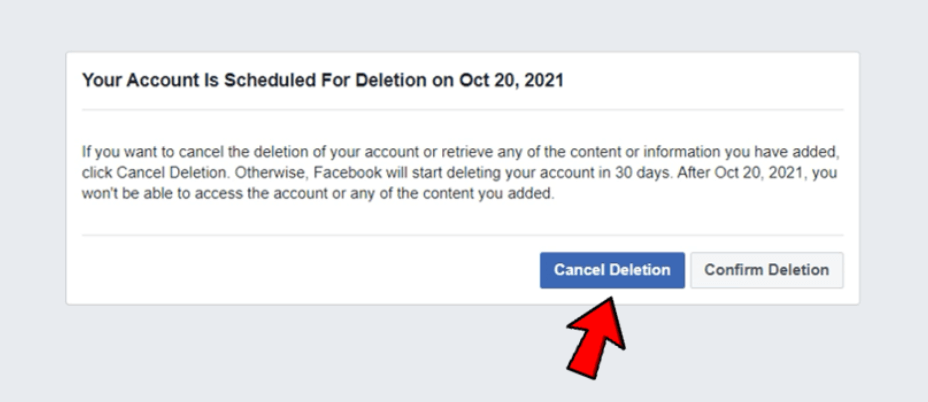
9. Next, a pop up will be displayed with a message letting you know when your account has been scheduled for deletion if you don’t cancel the deletion. Note that once the set date for deletion is passed, you cannot recover your Facebook account anymore.



No comments:
Post a Comment